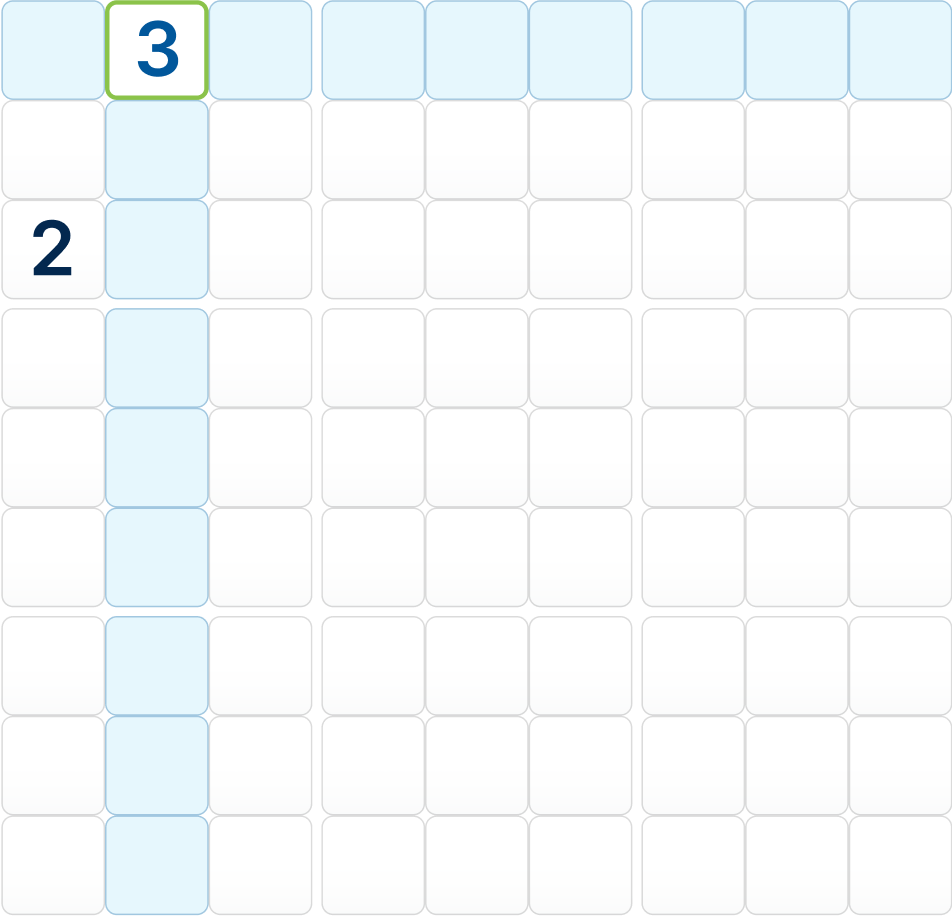
Customize your board and play with the keyboard
Published on October 19, 2026
Every player has their own style. Open the Pause menu during a game and go to Configuration to adapt Sudoku 360 to yours. Your choices are kept while you keep playing.
Settings
- 360° swivel: lets you rotate the board by dragging it with the mouse in the classic mode. It is not available on small screens.
- Notes: enables writing candidates in a cell. With notes on, the numpad shows an On/Off button to switch between notes and numbers.
- Board: choose between rounded and square cells.
- Game: decides what gets highlighted when you select a cell: nothing, its region, its row and column, or all three at once.
- Number identifier: highlights every cell that holds the same number as the selected one. Very useful to scan for a number.
Keyboard shortcuts
On a computer you can play without touching the mouse:
| Key | Action |
|---|---|
| ← ↑ → ↓ | Move the selection (it follows the rotation of the board) |
| 1 … 9 | Write a number, or a note when notes are on |
| Backspace | Erase the selected cell |
| N | Switch notes on and off |
| Enter | Open the numpad |
| Esc | Close the numpad |
Other tools
- Erase everything clears your numbers and notes and leaves only the original ones.
- From Pause you can also continue, restart the same puzzle or start a new one.
- When the board is full but something is wrong, Sudoku 360 warns you so you can review it.