Legendary Sudoku: the board that turns
Published on October 17, 2026
Sudoku 360 has two game modes: classic and legendary. Both follow the usual sudoku rules, but the legendary mode adds a twist that gives the game its name.
Classic: rotate it whenever you want
In the classic mode the board stays still. If you enable the 360° swivel option in the settings, you can drag the board with the mouse to rotate it and look at the puzzle from another angle. When you release it, the board snaps to the nearest quarter turn.
Legendary: the board rotates by itself
In the legendary mode you don't control the rotation: the board turns on its own, every few seconds, a quarter or half turn to the left or to the right. The numbers stay upright so you can read them, but rows become columns and your mental map of the puzzle has to adapt.
- The direction of each turn is random.
- On the easier levels the board turns more often but only a quarter at a time; on the harder ones it can turn twice in a row.
- The arrow keys follow the rotation, so ↑ always moves up on the screen.
Tips to survive the turns
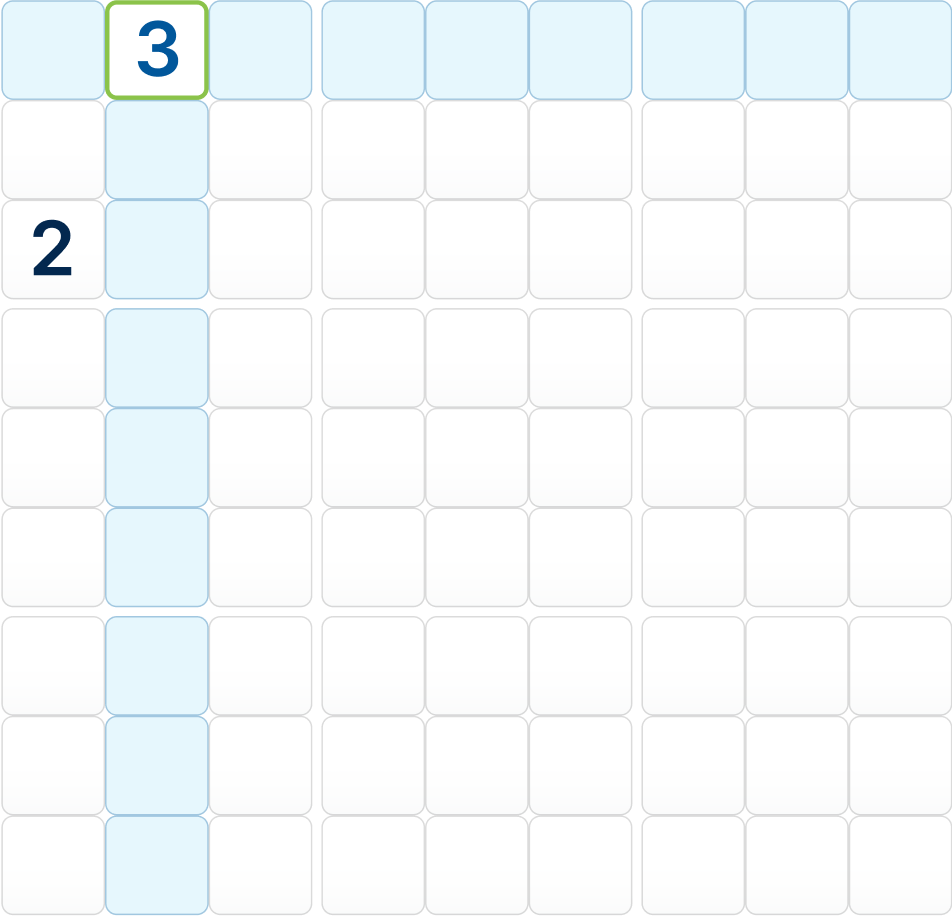
- Think in regions. The 3×3 regions keep their shape after every rotation; rows and columns don't.
- Use notes generously. Candidates written as notes rotate with the board, so you don't lose your reasoning.
- Don't rush after a turn. Take a second to find your place again before writing a number.
Ready for the challenge? Play legendary sudoku.